How team invitations work in Drafted: creators contribute, admins approve
Connect your own social accounts, invite creators without sharing passwords, and approve every post before it can publish. Here is the workflow step by step.

Drafted Team
Team
Featured
An ambassador in Drafted is an invited content creator, not a co-owner of your social accounts. They help make posts for the channels you choose. You keep the accounts, the passwords, and the final say over what goes live.
Here is what happens from the moment you subscribe to a Drafted plan to the moment an approved post is published.
1. Connect the accounts you own
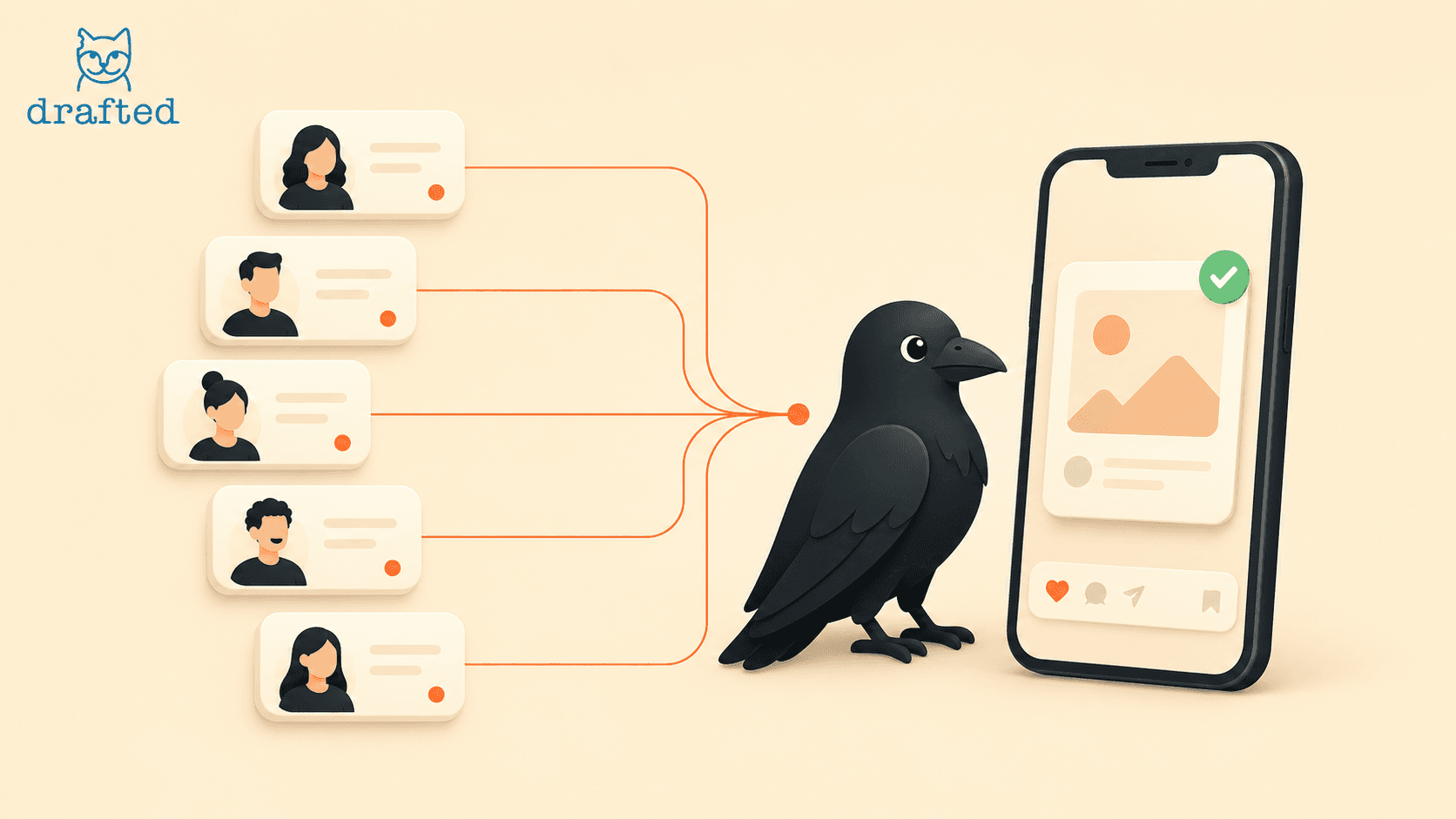
As the admin, you connect as many social media accounts as you want for your different businesses to Drafted. These remain your accounts: inviting someone to collaborate does not give them your login credentials, and you never need to send a password to a creator.
2. Invite a creator to the channels you choose
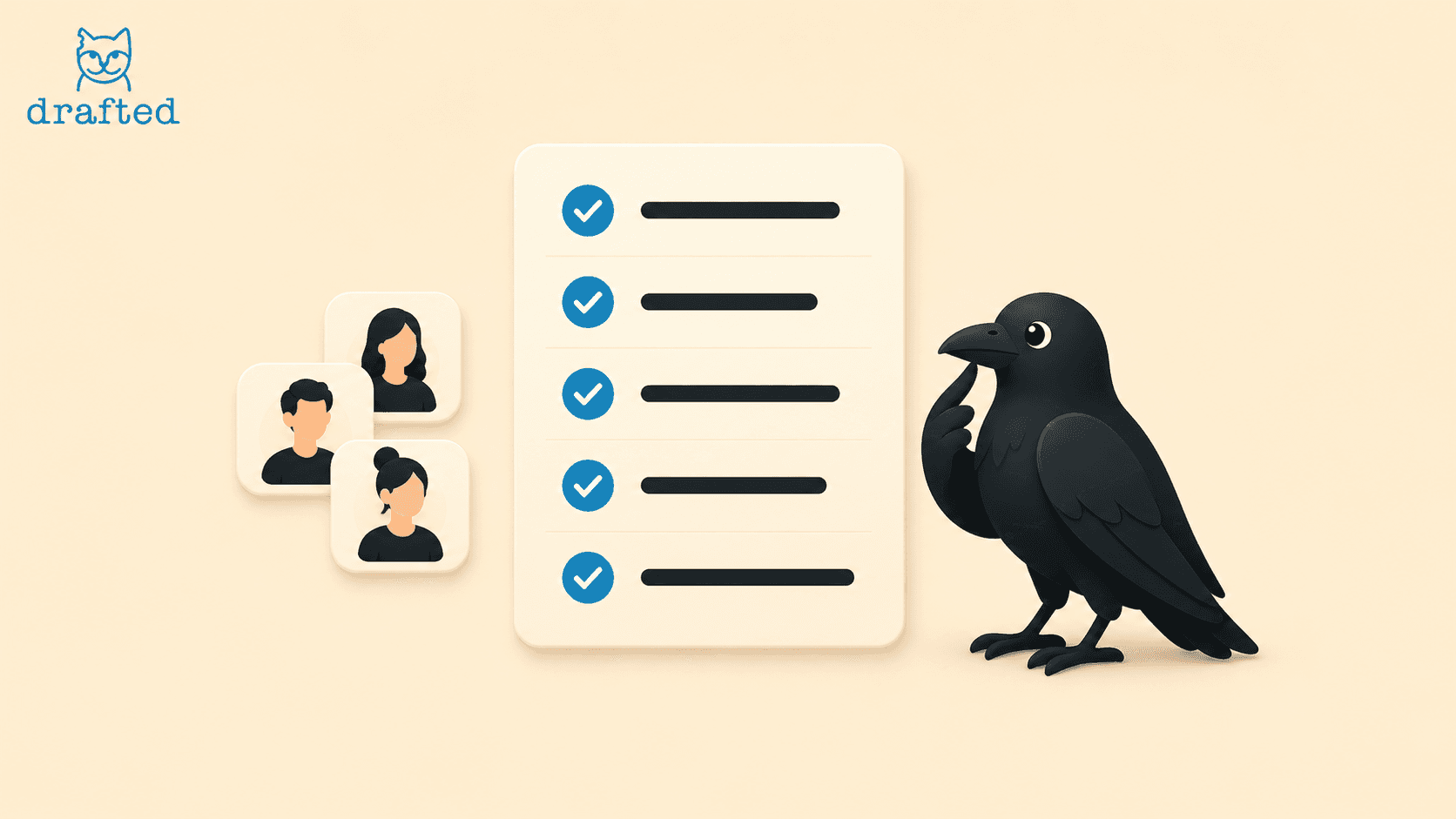
Send your content creator a team invitation. Once they join Drafted, they see the social channels you invited them to work on. That is collaboration access, not control of the underlying social accounts. They cannot take ownership of your channels or bypass the admin’s review.
The roles at a glance:
Role | Can do | Cannot do |
|---|---|---|
Admin | Connects owned channels; invites creators; approves posts | Does not need to share passwords |
Invited creator | Sees invited channels; creates and submits drafts | Cannot control accounts or publish without approval |
3. The creator submits content for review
Your creator prepares a post for an invited channel and submits it in Drafted. A proposed date is not permission to publish. The content waits for your decision rather than going straight to the social account.
4. The admin makes the decision
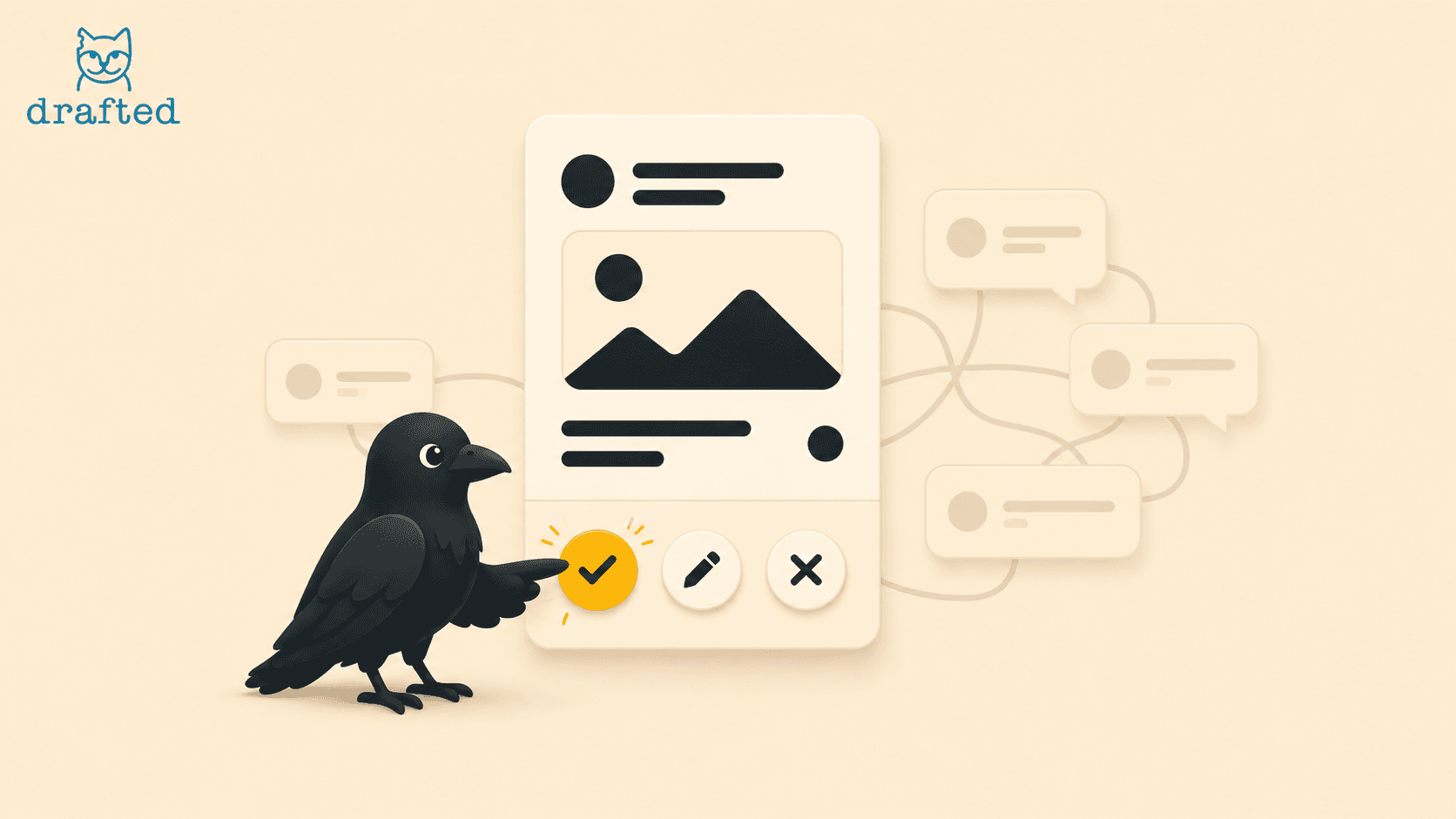
Review the post and choose one of three outcomes: approve it, request edits, or reject it. If you request edits, the creator revises the draft and sends it back for review. A rejected post does not publish. Only an approved post can move forward to scheduling and publishing.
The publishing gate, at a glance:
Stage | What happens |
|---|---|
Creator submits | Draft waits for admin review |
Admin requests edits | Creator revises and resubmits |
Admin rejects | Post does not publish |
Admin approves | Post can be scheduled and published |
Your channels. Your approval. Every time.
Invite creators to help you make more content without handing over your accounts. They can contribute drafts for the channels you select, but the admin stays in control. Nothing a creator submits is scheduled or published without admin approval.