How to choose a social media scheduling tool for teams
Most social media scheduling tools are built for one person. If a team or ambassadors touch your content, here is what to look for before you choose.

Tiana Paul
VP Marketing
Tools
Search for a social media scheduling tool and you will get a hundred options that all look the same. Calendar, queue, analytics, done. The problem is that most of them were built for one person posting alone, and the moment a second person on your team touches your content, the gaps show.
If you run social with a team, with ambassadors, or with anyone who needs a sign-off before a post goes live, the features that matter are not the ones on the front of the box. Here is what to look for in a social media scheduling tool built for teams.
Does it handle approvals, or just scheduling?
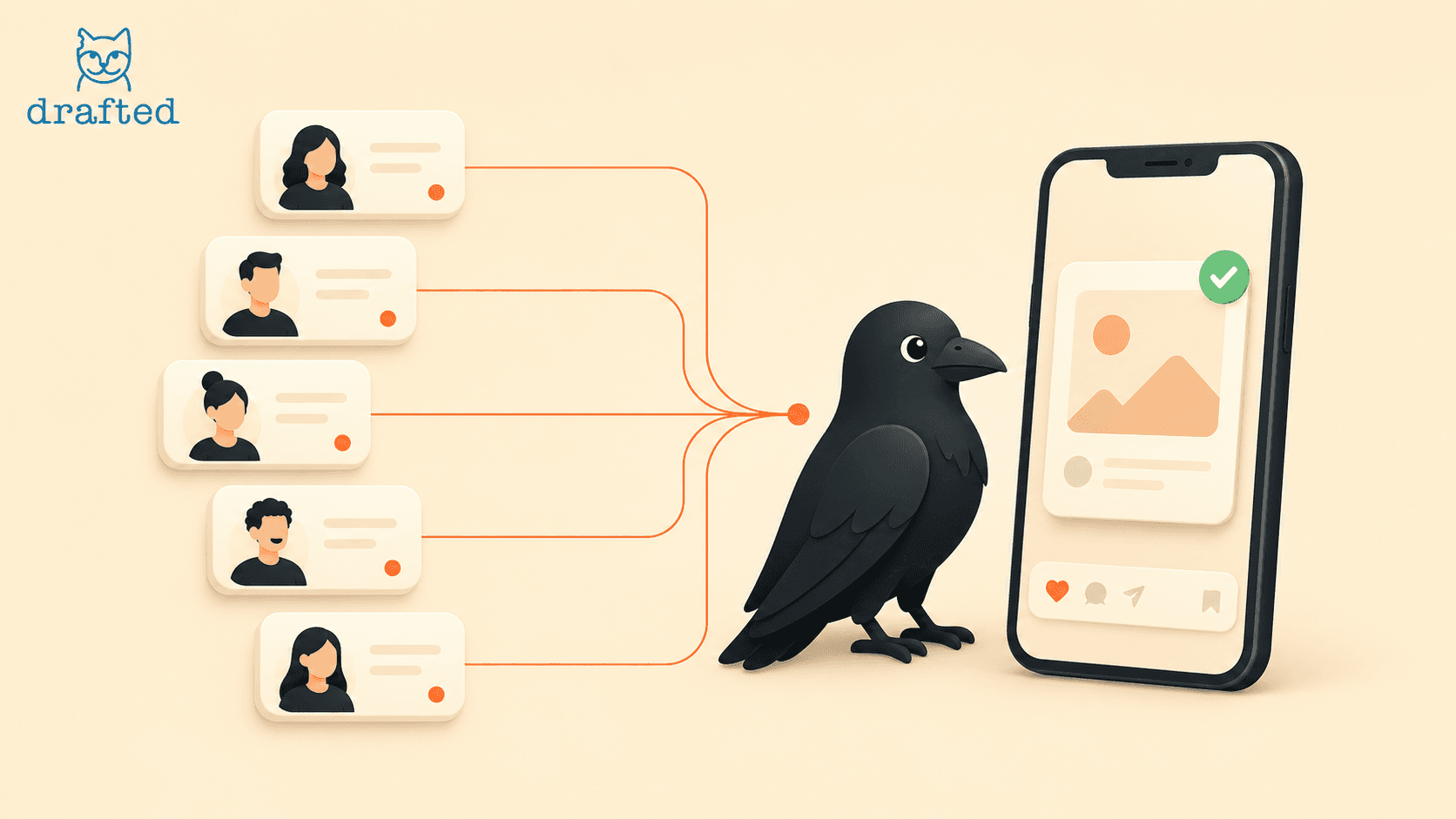
Scheduling is the easy half. Plenty of tools let you line posts up in a queue. Far fewer give you a real approval step, where someone submits a draft, someone else approves it or asks for changes, and nothing publishes until it clears. If approvals happen in a separate chat thread while the tool just holds the calendar, you do not have a workflow. You have two systems and a gap between them.
Can you give team access without sharing passwords?
This one quietly causes the most damage. When the only way to let someone post is to hand over the account login, you lose control the second they have it. Look for proper roles and invites, so an ambassador can draft and submit without ever seeing your credentials, and so removing someone takes one click instead of a password reset across five platforms.
Post once, publish to every platform
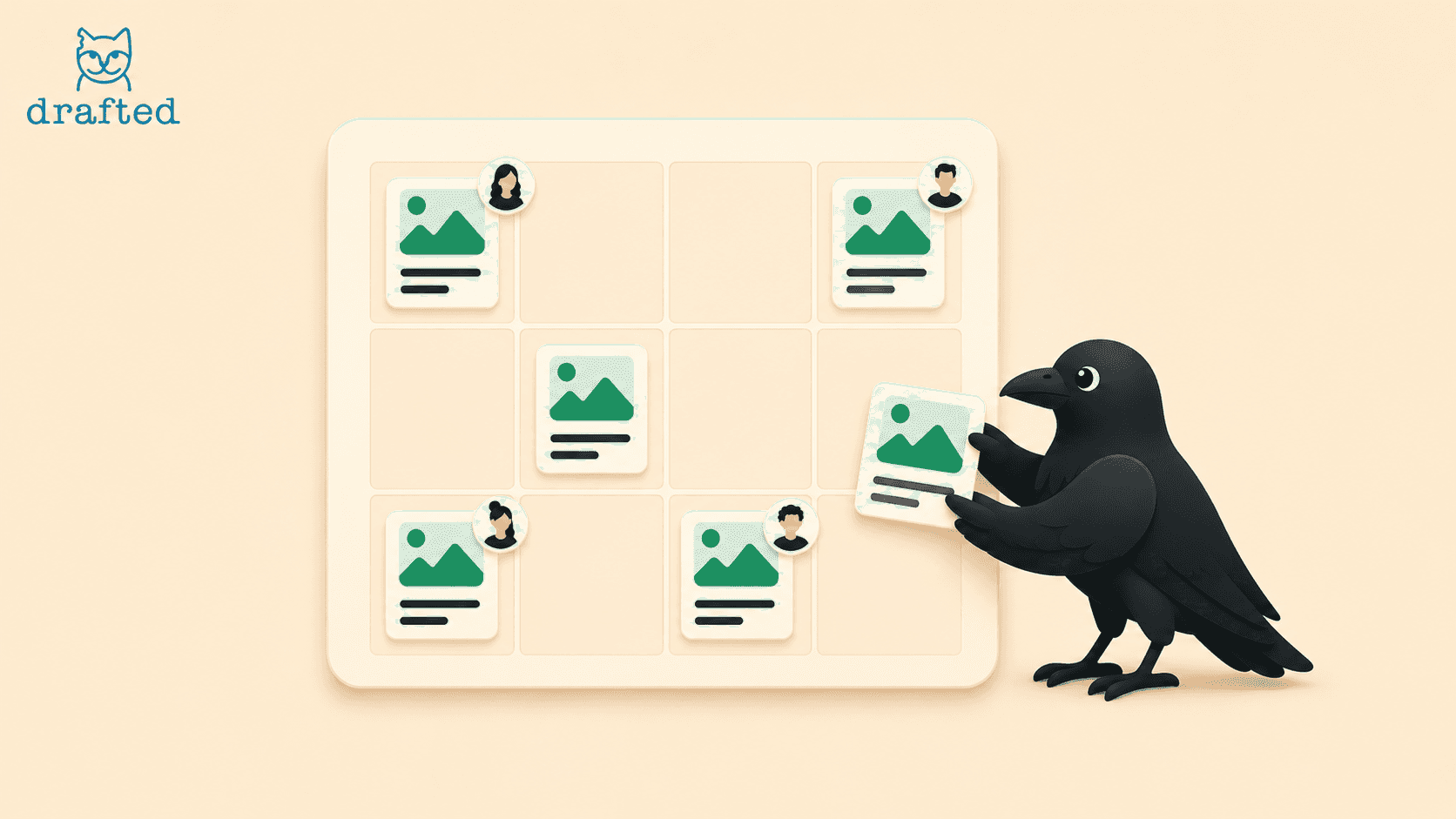
Posting the same content to Instagram, TikTok, YouTube, X, and Facebook by hand is the kind of busywork that eats an afternoon. A tool earns its place when you can write a post once, pick the channels, and let it handle the rest. If you are still copying captions and re-uploading the same video five times, the tool is not saving you anything.
Does feedback live where the work does?
A note like change the second line is useless when it arrives as a text three days later. The comments about a post should sit next to that post, so the person fixing it knows exactly what you mean. When feedback lives in the tool, you stop repeating yourself and posts stop stalling over small edits.
Will the people posting actually use it?
The best workflow is the one your team does not avoid. If submitting a post is slow or confusing, ambassadors will fall back to sending you screenshots, and you are back where you started. Try the tool the way they will use it, ideally on a phone, before you commit. Simple beats powerful when powerful means nobody touches it.
A quick checklist before you choose
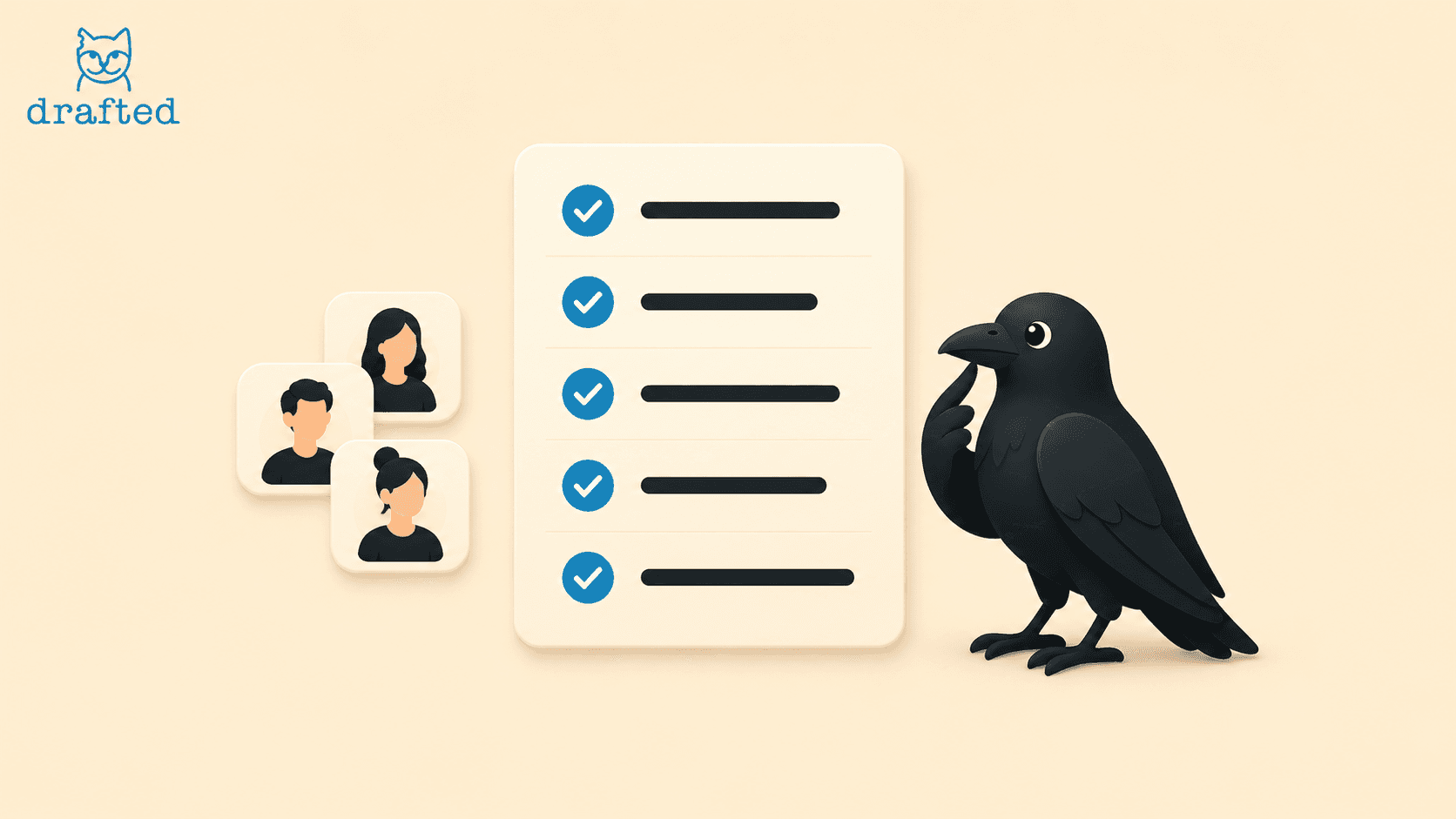
When you trial a social media scheduling tool, run it against these questions:
Can someone submit a post for approval, not just schedule it?
Can I add and remove people without sharing logins?
Can one post go to every platform at once?
Does feedback stay attached to the post?
Would my least technical teammate use it without help?
If a tool clears all five, you have found something built for a team and not just a solo poster. That mix of scheduling, approvals, and shared access without shared passwords is exactly what we built Drafted around, so trial it against the same list and see how it holds up.